The family chore app
Stop repeating yourself.
Give kids a clear plan and a reason to get moving. Adventure maps, rewards you choose together, and one shared Family Hub help turn daily reminders and negotiations into a routine.
- Kids know what's next.
- Rewards give them something to work toward.
- Everyone follows the same family plan.
For iPhone and iPad, with Apple Watch support.




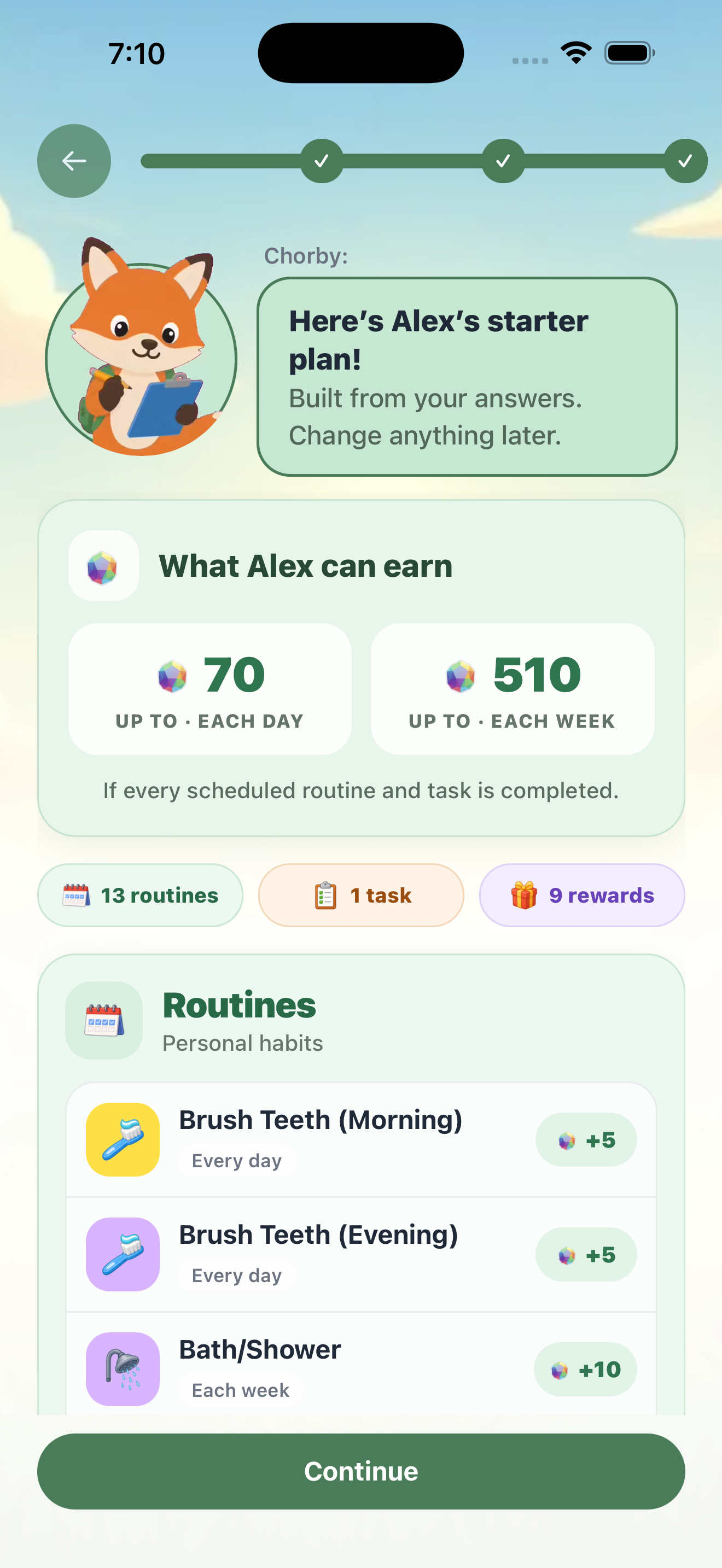
Chorby’s Setup Wizard
A starting plan. Not another project.
You don't have to build a chore system from scratch. Chorby's Setup Wizard helps you choose tasks and rewards for your household. You can edit the plan as you go.
Add your family
Choose who will take part, including parents who want to track their own tasks.
Choose suggested tasks
Pick the routines and responsibilities that fit your home. Change the days and tasks as needed.
Agree on rewards
Choose Gems, Cash, or an optional allowance for each person. You can also track tasks without rewards.
The plan is right there.
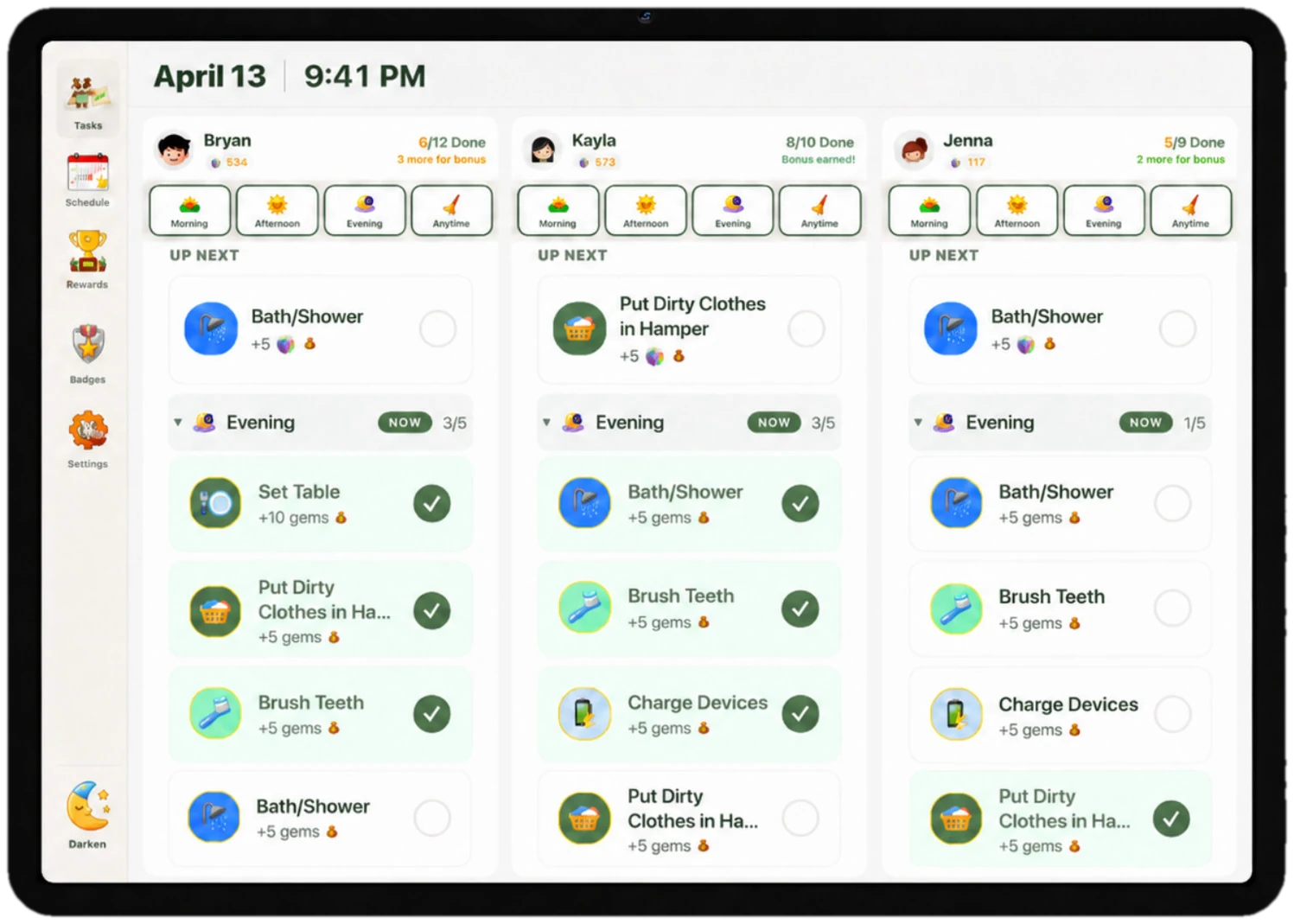
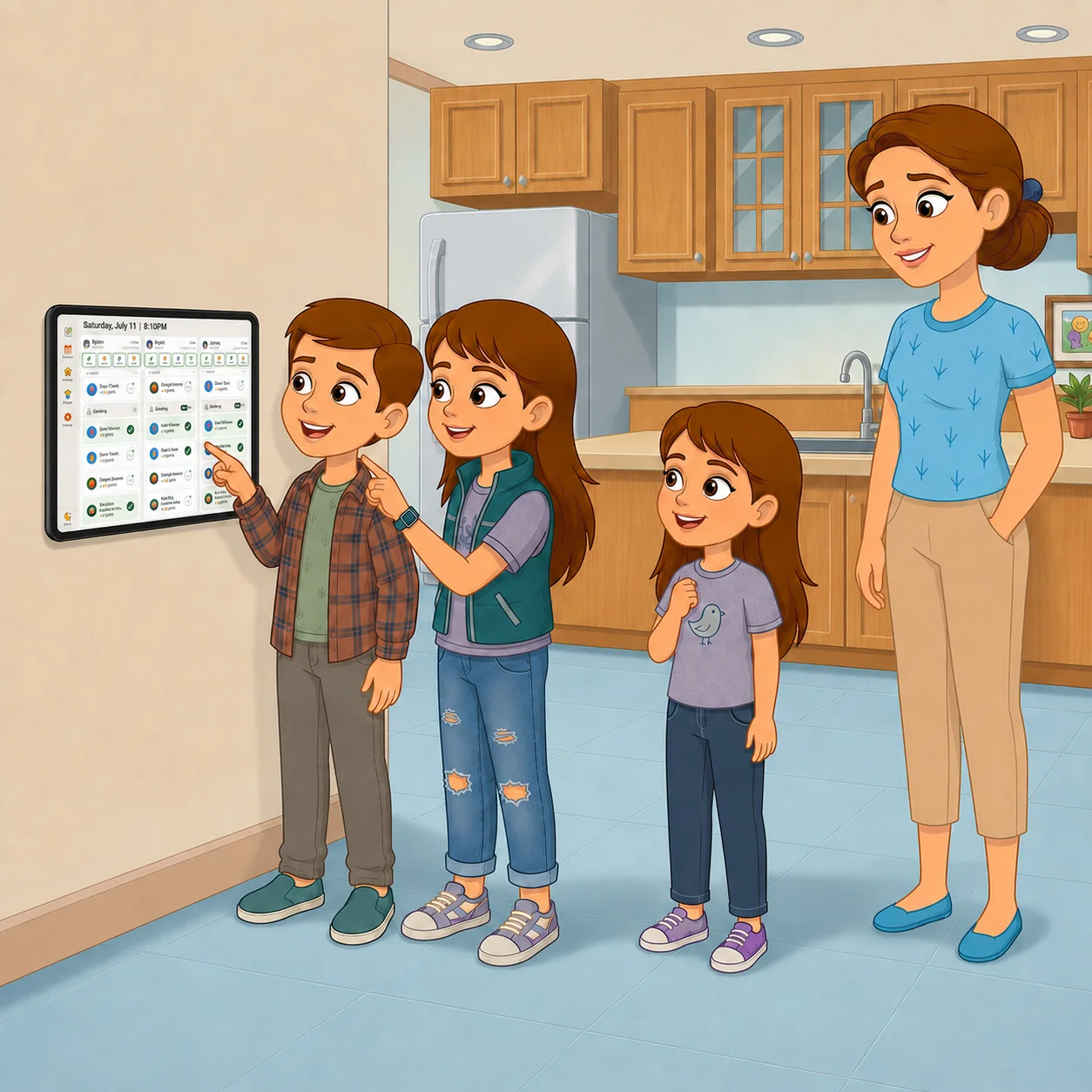
Put an iPad on the kitchen counter or mount it on the wall. Chorby Hub keeps the family plan where everyone can see it. Kids can find their next task and check off finished work. Parents can track their own responsibilities alongside them.
- Kids' and parents' responsibilities together
- See the next task and check off finished work
- A shared device, so every child does not need a phone
- A Parent PIN protects parent controls. Find iPad Guided Access and Android tablet setup in the FAQ.
Less reminding. More doing.
A clear plan beats asking again.
What's next? What counts? What am I working toward? Give your family clear answers before the daily back-and-forth starts.

A daily adventure they can follow
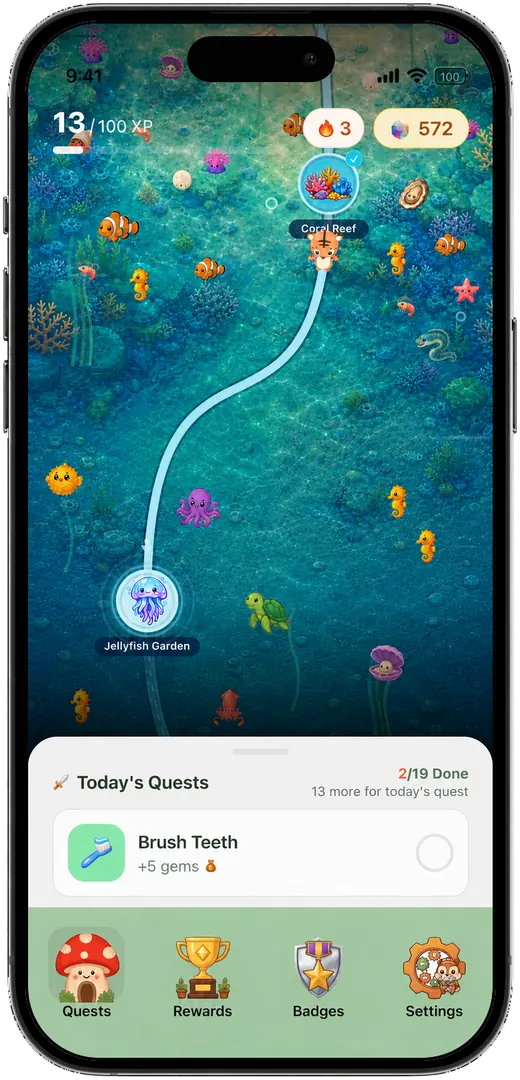
Make the next step easy to see. An Adventure Map shows tasks and progress, with a Chorby companion cheering them on.
Explore the adventure →Rewards your family agrees on
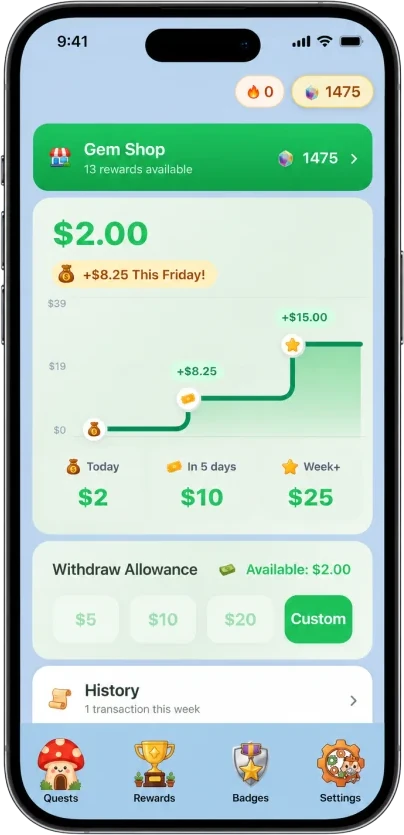
Choose Gems for the Gem Shop, Cash for money earned from tasks, or an optional allowance. You can also track tasks without rewards. Mix what works across the family.
Explore rewards and allowance →
A list when they prefer it
The same responsibilities can appear as a simple task list. Older kids and parents can join in too. A map or a list is a choice, not an age rule.
See the task list →
One shared family board
Put Chorby Hub on a kitchen or countertop iPad. Kids and parents can see their responsibilities together. Every child does not need a phone.
Meet the Family Hub →An easier starting point
Chorby's Setup Wizard suggests tasks and rewards for your household. Keep what fits, change what doesn't, and build your routine from there.
Get setup answers →Optional photo proof, parent approvals, and reminders help with tasks that need a little extra support. You choose where to use them.
See the routine in action
Their plan. Their progress. Your family.
Real screens from Chorby, showing how tasks, rewards, and the week ahead fit together.
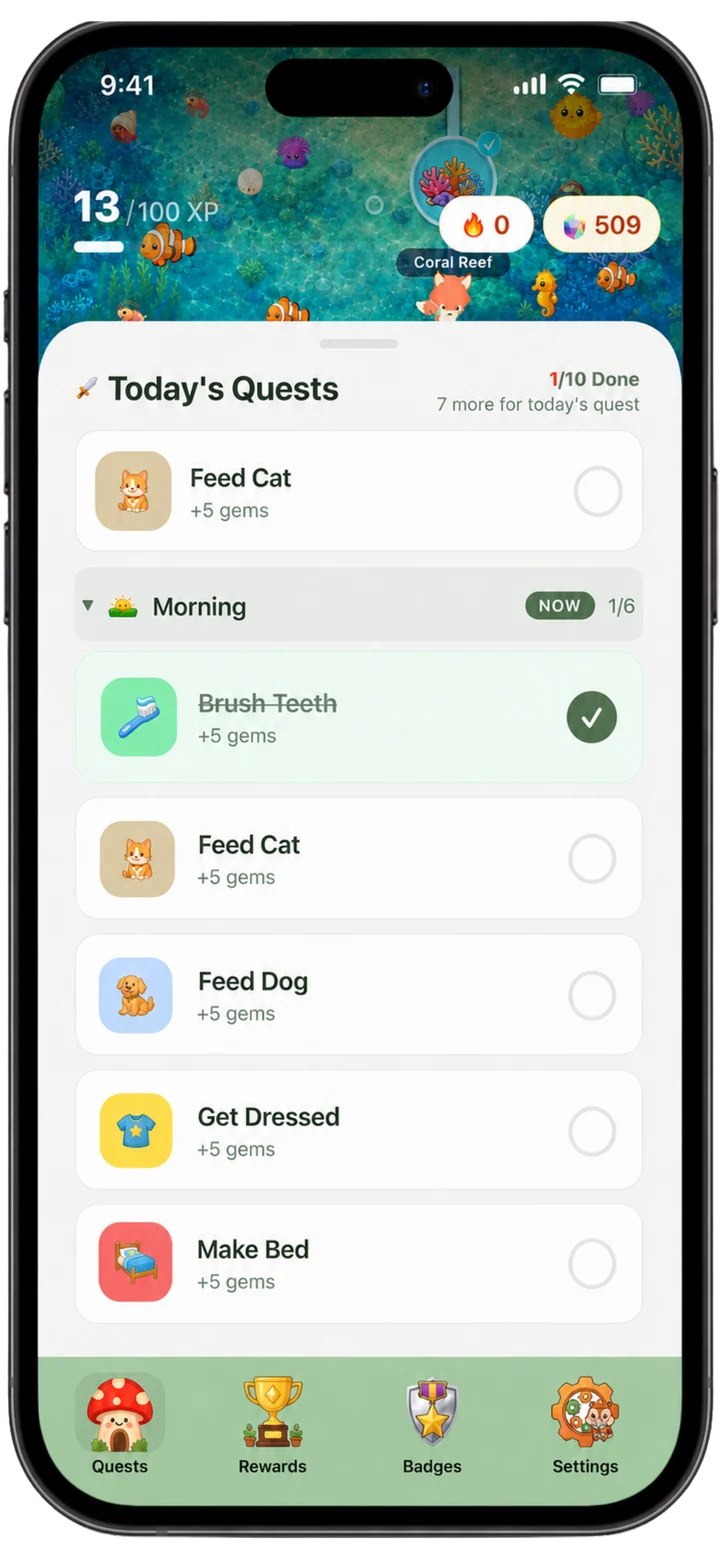
A clear list of what comes next
A simple view for anyone who prefers checking things off.
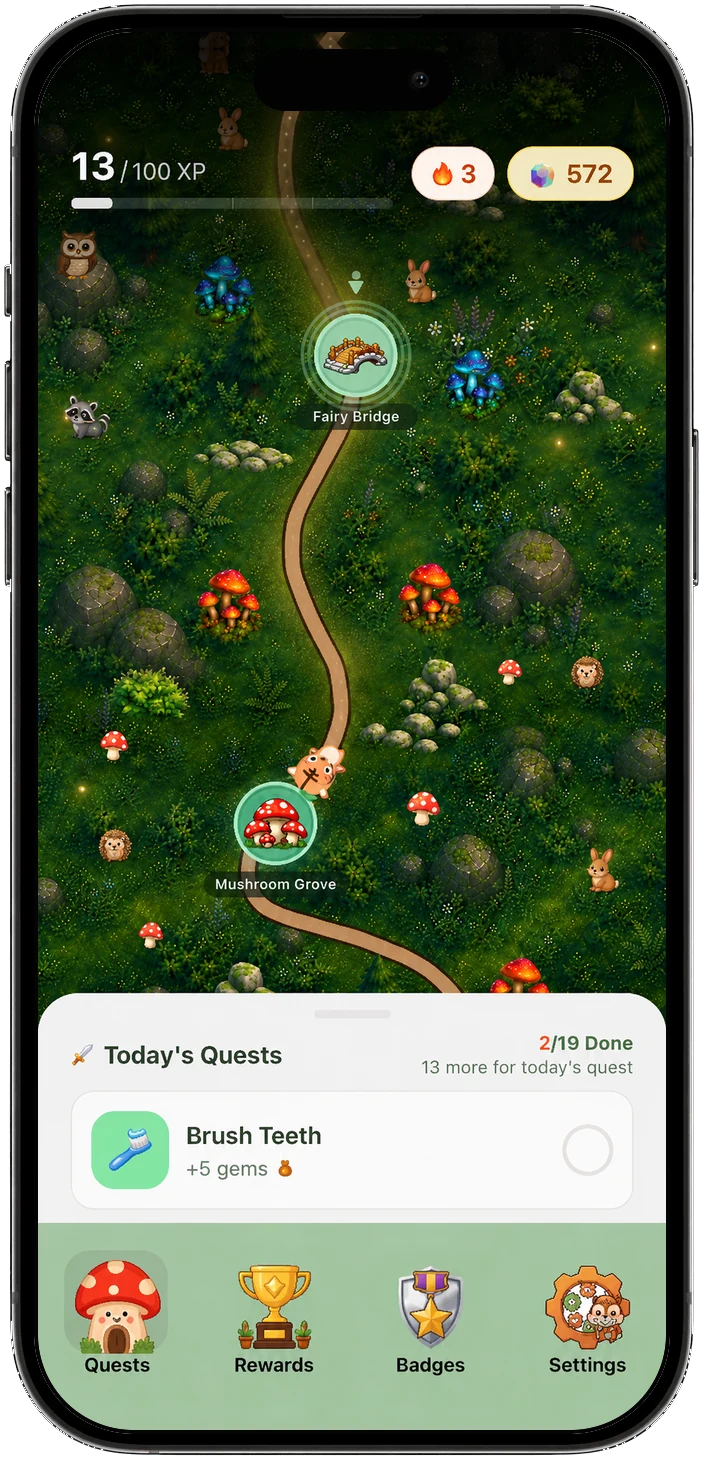
A little adventure in their day
Five themed maps give tasks a visual path and progress kids can see.
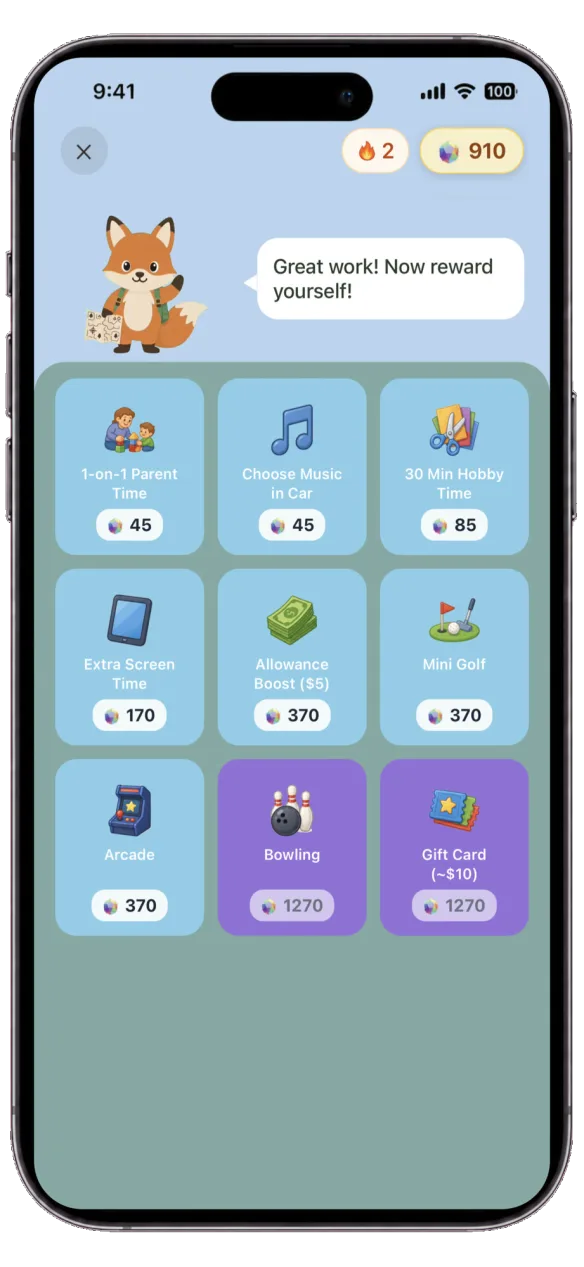
Something worth working toward
Stock the Gem Shop with rewards your family chooses. Screen time is one optional choice.
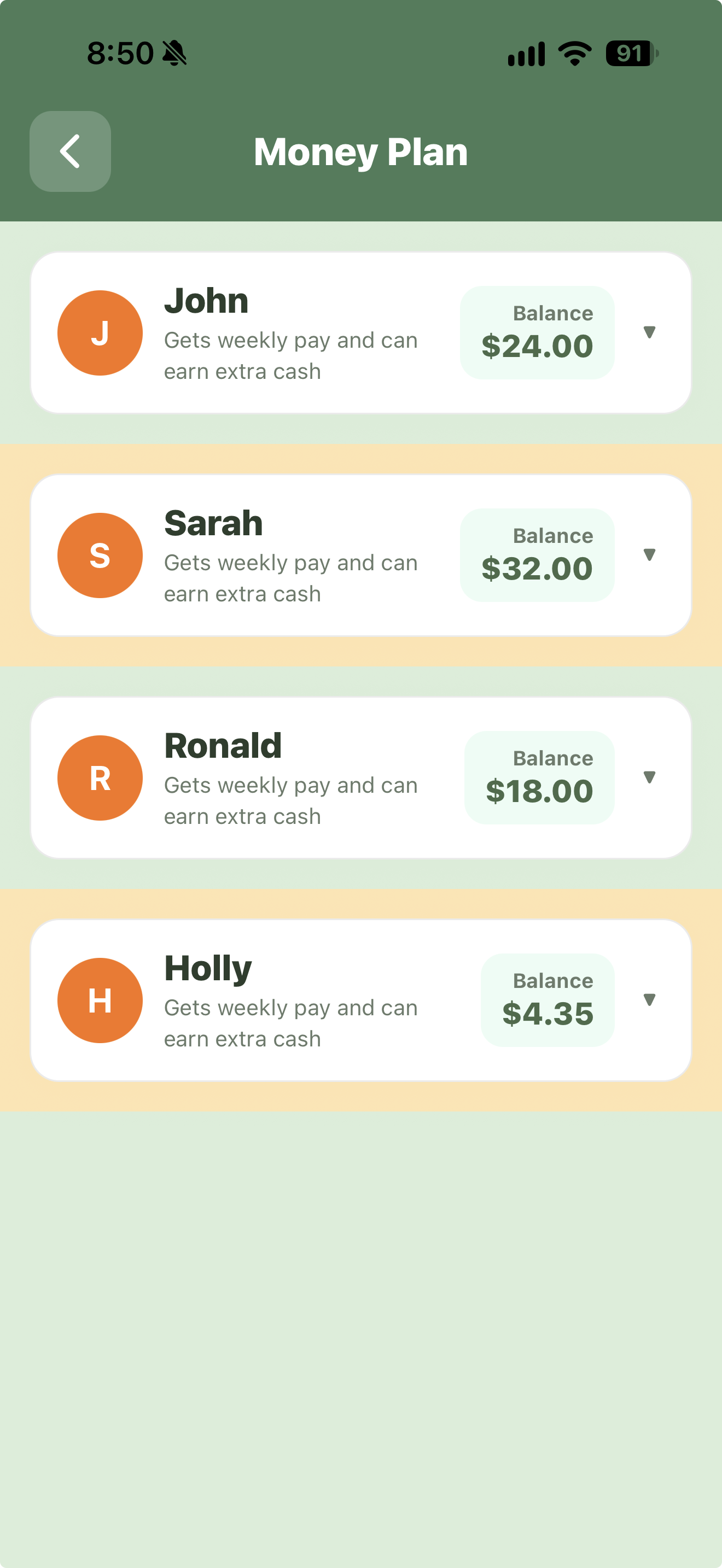
Cash and allowance, your way
Cash records direct task earnings. Weekly allowance is separate and optional. Your family provides the real payment.
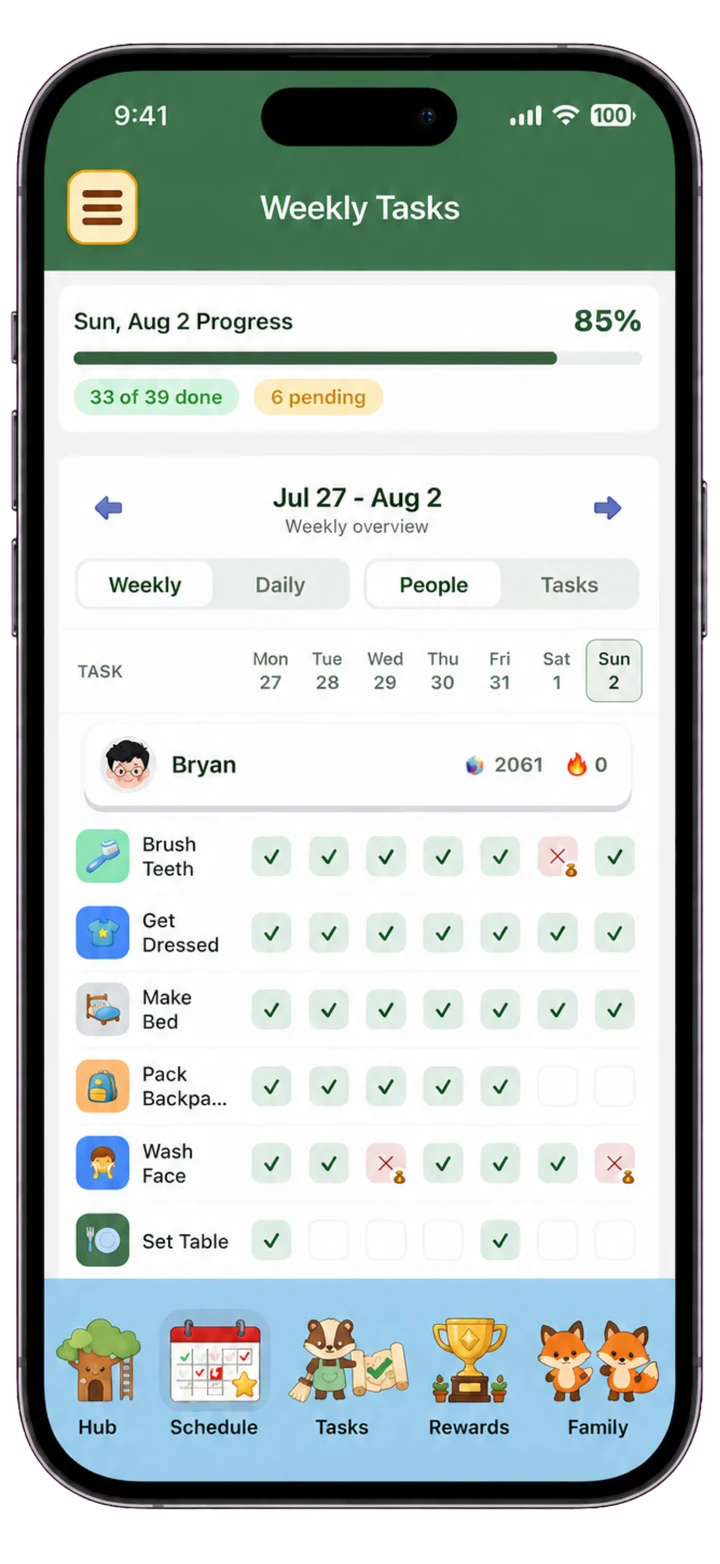
The week is already planned
See scheduled work and adjust it as your family's routine changes.
One family plan across your devices
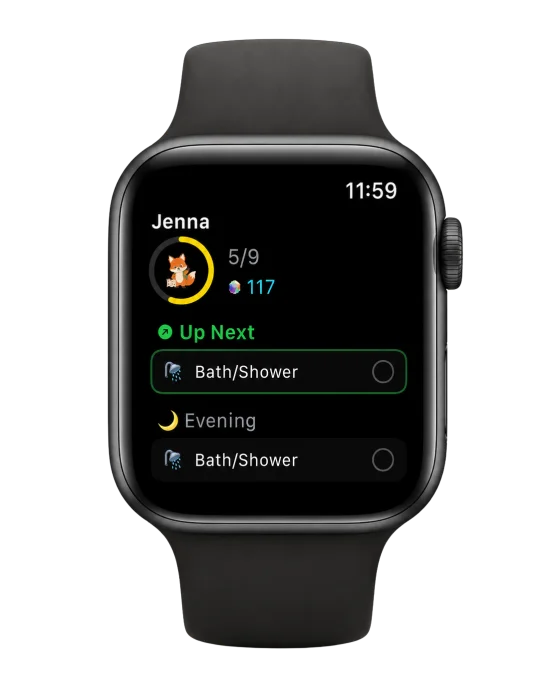
Use iPhone or iPad, check tasks from Apple Watch, and see today's work with home-screen widgets. Your shared Family Hub keeps the household in view.
Explore devices and setup →Give your family a plan to follow.
Start with the tasks and rewards that fit your home. Spend less time repeating the plan, and more time helping your family follow it.